



The Best Label Printer for Small Business in 2026
For a small business, labels are part of everyday operations. You may need them for shipping orders, tracking inventory, adding barcodes, or identifying products. As your order volume grows, having the right label printer can make these daily printing tasks much easier to manage. In this guide, we'll explain what to look for and help you choose the best label printer for your small business in 2026.
Why Your Small Business Needs a Label Printer
For a small business, labels are part of everyday operations. You may need them for shipping orders, tracking inventory, adding barcodes, or identifying products. As your order volume grows, having the right label printer can make these daily printing tasks much easier to manage. In this guide, we'll explain what to look for and help you choose the best label printer for your small business in 2026.
- Work Faster: Printing labels in-house means you can create what you need when you need it. There is less reliance on handwriting or outsourced printing, which is especially useful for small teams handling several tasks at once.
- Reduce Errors: Clear and accurate labels can help prevent shipping mistakes, product mix-ups, and incorrect orders. Fewer labeling errors can also mean fewer returns, refunds, and customer complaints.
- Professional Brand Image: Consistent labels give products and packages a cleaner, more professional appearance. Using the same labeling style across product packaging, barcodes, and shipments can also help create a more consistent brand image.
- Lower Long-Term Costs: Printing labels in-house can reduce spending on outsourced printing and pre-printed labels. Some models, especially direct thermal printers, also work without ink or toner, which can help lower ongoing printing costs.
What to Look for in a Label Printer for Small Business
Before buying one, focus on the factors that affect your daily labeling tasks.

Label Size
Check which label sizes and formats the printer supports. For example, 4 × 6 inches is a common format for shipping labels, while product and office labels may require different sizes. If your business prints several types of labels, make sure the printer can handle the formats you actually use.
Print Quality
Think about how much print quality your labels actually need. Basic labels may only require clear, readable text, while barcodes, small details, or labels that need to stay smudge-free and fade-resistant may require better print quality. For shipping labels, clear barcodes are especially important for reliable scanning.
Print resolution is usually measured in DPI (dots per inch), and higher resolution can also come with a higher price. Instead of choosing the highest DPI available, look for a label printer that provides the level of clarity your business actually needs.
Print Speed
Print speed matters more as your label volume increases. A business printing a few labels each day may not need a fast model, while one producing dozens or hundreds at a time should pay closer attention to labels per minute or printing speed.
Connectivity
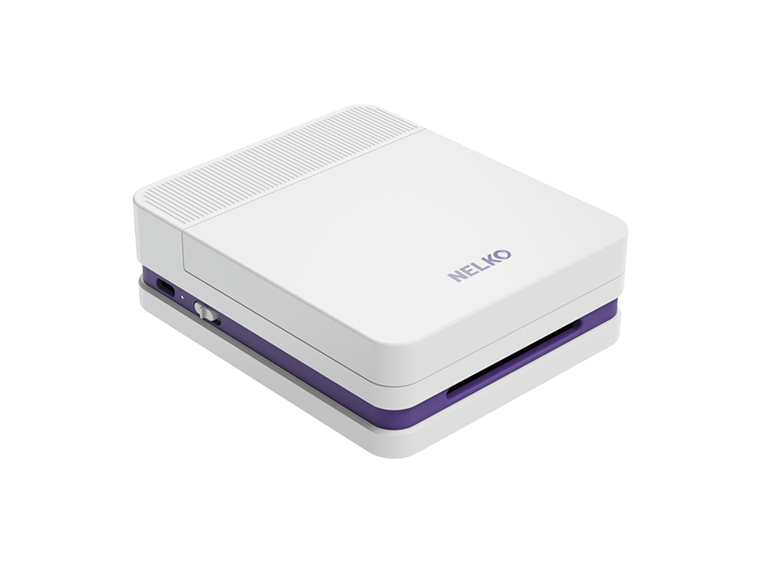
Think about which devices will send jobs to the printer. USB works well for a single workstation, while Wi-Fi or Bluetooth offers more flexibility. A Bluetooth label printer, for example, can be useful when your team needs to print from mobile devices. So this kind of printer like Nelko's P21 may be more suitable for shared or warehouse setups.
Portability
Consider where labeling takes place. If you regularly move between products, shelves, or work areas, a portable or mini printer may be more practical. A larger desktop printer makes more sense when all labels are produced from one fixed station.
Printing Technology
Different printing technologies suit different applications. A direct thermal printer uses heat-sensitive labels and is commonly used for shipping labels, barcodes, receipts, and other short-term applications. Thermal transfer printing uses a ribbon and is better suited to labels that need greater durability or longer use.
Versatility
Consider how your business needs to send print jobs. Some label printers work as standalone devices, while others can print from a computer, mobile device, or network system. If your team uses different devices or prints from multiple work areas, choose a label printer that supports those needs.
Printing Volume
A basic label printer may be enough for small batches, while high-volume printing requires a model designed for more continuous use. For larger print jobs, features such as automatic cutting can also reduce manual work by cutting each label to the required length.
Cost
Budget matters for most small businesses. Look at both the printer price and the cost of supplies. Direct thermal printers generally have lower running costs because they do not require ink or ribbons, while thermal transfer printers use additional consumables.
When Do You Need a Label Printer?
Different businesses use labels in different ways.
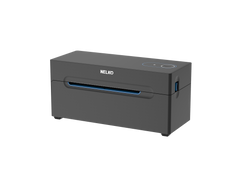
- Businesses that ship orders regularly can use a shipping label printer for addresses, barcodes, and carrier labels. Nelko's PL70E bluetooth thermal shipping label printer is recommended for shipments. This dedicated thermal printer is especially useful as daily shipping volume increases.

- Retail businesses can use label printers for price tags, barcodes, shelf labels, and product information. Clear labels also make products easier to identify and manage.
- E-commerce sellers often need labels for orders, products, and packages. As order volume grows, a label printer can make daily order processing faster and more consistent.
- Warehouses rely on labels to identify shelves, bins, cartons, and inventory. Barcode labels can also support faster product tracking during picking and packing.
- If you are a physical seller, a label maker can be used for product names, barcodes, prices, or other basic information. This is useful when labels need to be printed regularly or in different batches.
- In an office, labels can organize files, folders, shelves, equipment, and shared supplies. A small label printer is often enough for these everyday tasks.
Wrap up
In 2026, choosing the right label printer for your small business depends on your daily workflow, printing volume, and future growth. Whether you need labels for products, inventory, barcodes, or shipping, the right printer can make everyday tasks easier, reduce errors, and keep your business looking professional.
FAQs:
What type of label printer is best for a small business?
There is no single best label printer for every small business. The right choice depends on your budget, printing volume, label type, and how the labels will be used. Start by understanding your daily printing needs, then choose a printer that fits your workflow.
Is a thermal label printer good for a small business?
Yes, a thermal label printer can be a practical choice for small businesses that regularly print shipping labels, barcodes, receipts, or product information. Direct thermal printers use heat to print and do not require ink, toner, or ribbons, making them suitable for many everyday labeling tasks.
Do I need a shipping label printer for my small business?
It mainly depends on how often you ship online orders or parcels. A standard office printer can work when you only ship a few packages, but a dedicated shipping label printer becomes more useful as order volume grows and you need more consistent 4 × 6 shipping labels.
Is a Bluetooth label printer useful for small businesses?
It can be useful if you regularly print from a smartphone or other mobile device. Bluetooth provides another way to send print jobs without relying on a USB connection, but whether you need it depends on your business workflow and devices.
Do label printers need ink or toner?
It depends on the printing technology. Direct thermal label printers use heat to print, so they do not need ink, toner, or ribbons. Thermal transfer printers also use heat but require a ribbon, making them more suitable for labels that need to be more durable or last longer.
Is a shipping label printer different from a barcode printer?
Not necessarily. The difference is mainly in the type of label you print rather than the printer itself. Many label printers can print shipping labels, barcode labels, product labels, and other types of labels.