



NELKO P21 Portable Bluetooth Label Printer
$17.99
$32.99
45% Off
Color :
White
Anzahl
Total:
$17.99
$32.99
Supported payment methods:


Deliver to:
Normally ships within 7 days
Special Offers


Choose your delivery location
Enter your ZIP code to see the delivery destination for this product.


FAQ
Does the P21 need ink, toner, or ribbons?
Can I print from a computer with the P21?
What label sizes does the P21 support?
Can the P21 print barcodes or QR codes?
Are P21 labels waterproof or scratch-resistant?
Can I use the P21 for shipping labels?
Reviews
Specifications
Main Functions
- Create and print custom labels directly from your phone using the Nelko app
- Ideal for organizing items at home, school, or the office
- Uses direct thermal technology—no ink or toner required
- Prints clear, easy-to-read labels at 203 dpi and speeds up to 20 mm/s
- Compact, lightweight design with a wrist strap for easy portability
- Rechargeable 1200 mAh battery with convenient Type-C charging
- Product size (L × W × H): 80 × 30 × 132 mm
In-the-box
- 1 × Label Roll (14 × 40 mm)
- 1 × Type-C Charging Cable
- 1 × Instruction Manual
View More Collapse
Explore More


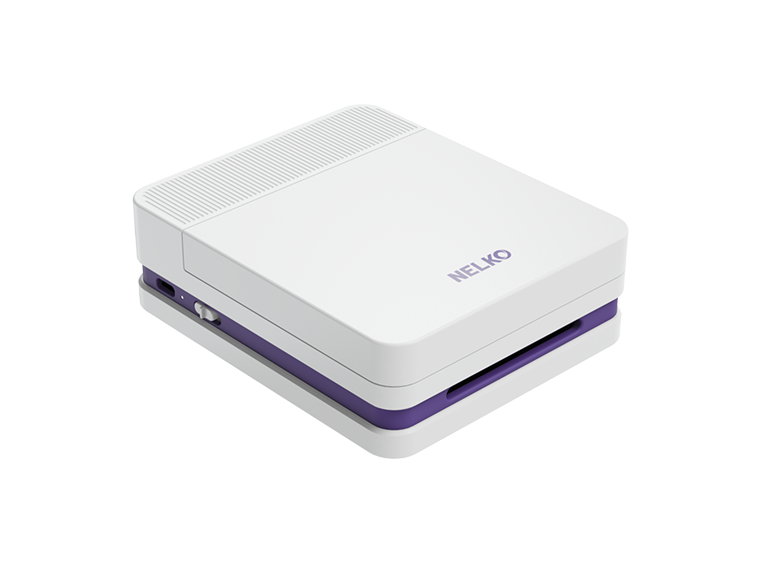
NELKO PP01 Bluetooth Photo Printer
Keep the magic of the moment alive with instant, vibrant prints right from the palm of your hand

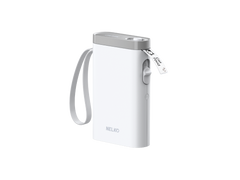
NELKO P21 Portable Bluetooth Label Printer
Create custom labels in seconds with our most portable, everyday organizing tool

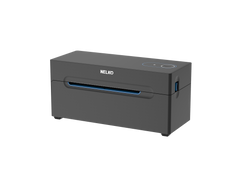
NELKO PL70E Thermal Shipping Label Printer
Streamline your workflow with a reliable companion designed for modern shipping

NELKO PM220 Bluetooth Label Printer
Turn your ideas into custom labels or create your own DIY sticker albums with one perfectly portable tool
